
How to check your photo quality before printing (resolution / DPI)
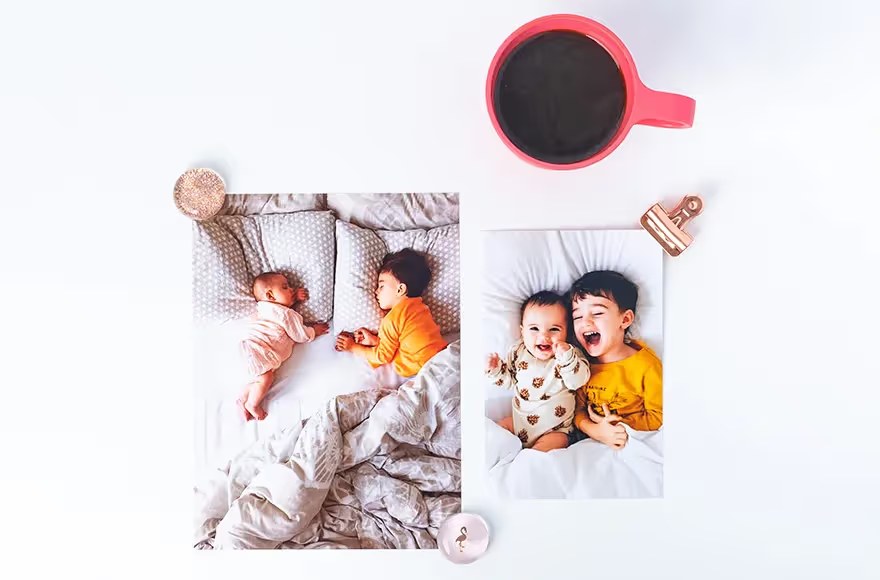
A plain explanation of resolution and DPI, and how to know if your photo is enough for your print size.
Nothing disappoints like receiving a print that looks pixelated or blurry. The secret is all in resolution. Resolution is measured in dots per inch (DPI), and the larger the size, the more pixels you need to stay sharp.
The golden rule: for crisp prints aim for 300 DPI. That means a 10×15 cm print needs roughly 1200×1800 pixels, and a 30×40 cm print needs around 3500×4700 pixels.
How to check quickly? Open the photo's properties on your phone or computer and look at the pixel dimensions. If the numbers are far below what your size needs, pick a smaller size or a sharper photo.
Things that hurt quality: digital zoom while shooting, screenshots, and images sent through chat apps because they're compressed and lose detail. Always upload the original file.
💡 Dema tip: the Dema Frames editor checks every photo's resolution automatically and warns you if it's not enough for the chosen size, so you order with peace of mind.